

A content page gives you a flexible space to share additional information with your members — ideal for community guidelines, welcome messages, important announcements, or helpful tips. The Content Page Settings let you control how the page looks and what it includes.
Page Title
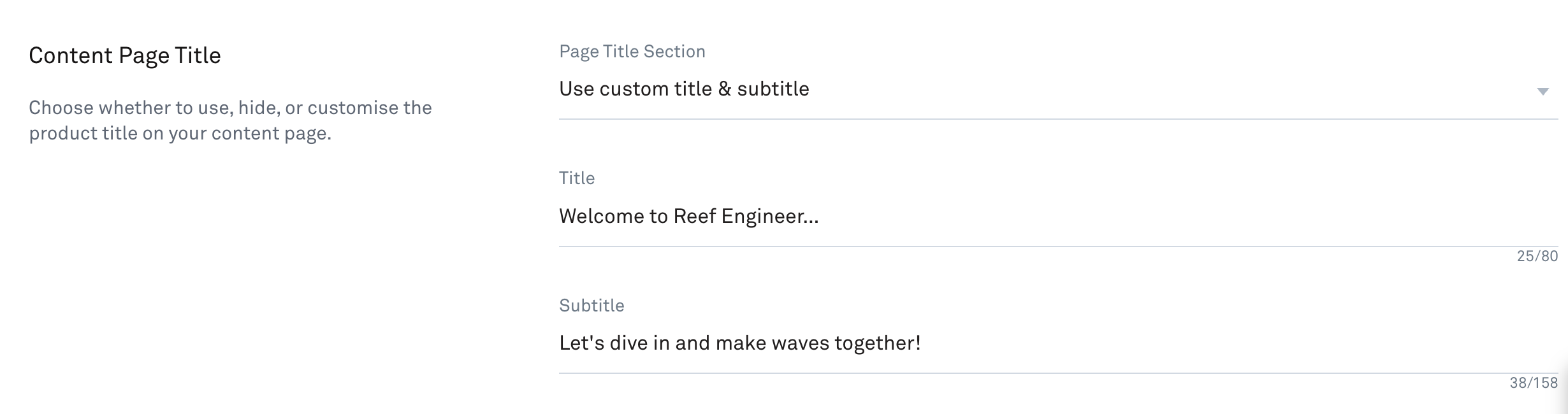
Add a title to your content page and use the dropdown to control how it is displayed. Your options are:
Show the title
Hide the title
Customise the title text
Page Content
Use the built-in editor to create your page content.
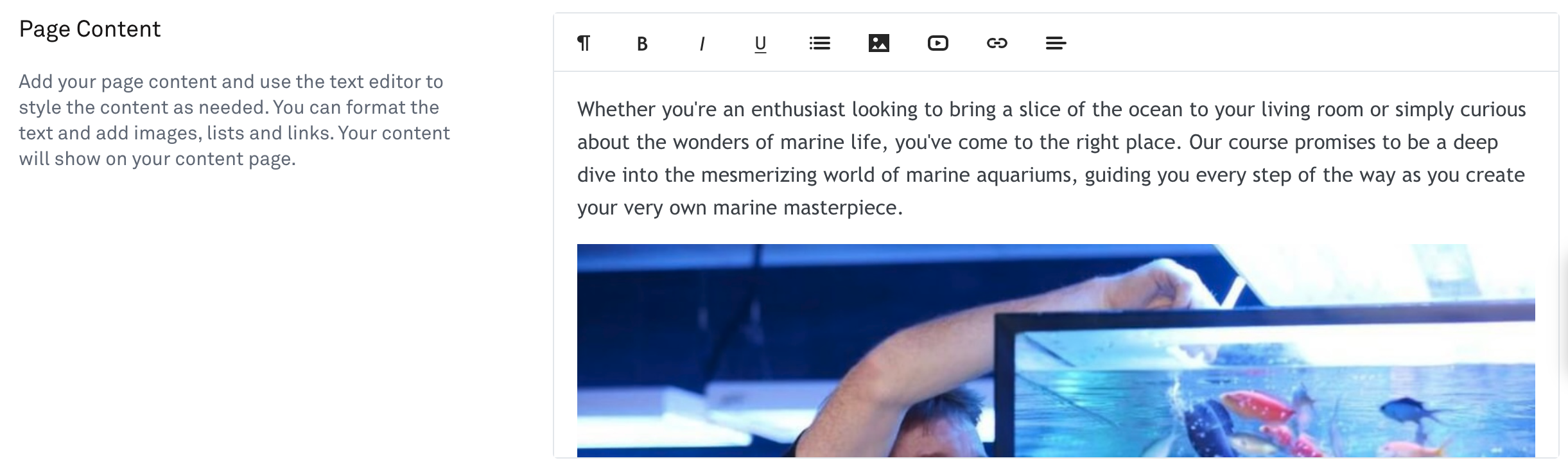
You can include:
Text
Images
Bullet lists
Links
Video
Comments
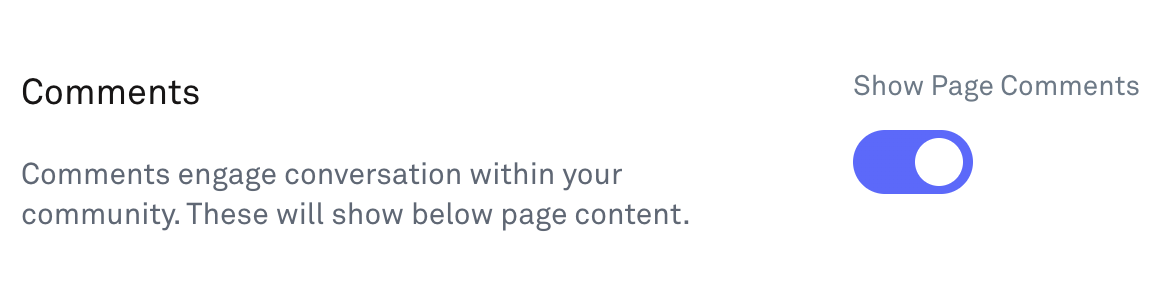
Use the toggle to enable or disable a comments feed on your content page. We recommend turning comments on — it's a great way to spark conversation and keep your members engaged with your content.
What Your Members See
On the live content page, members will see:
The page title (can be hidden)
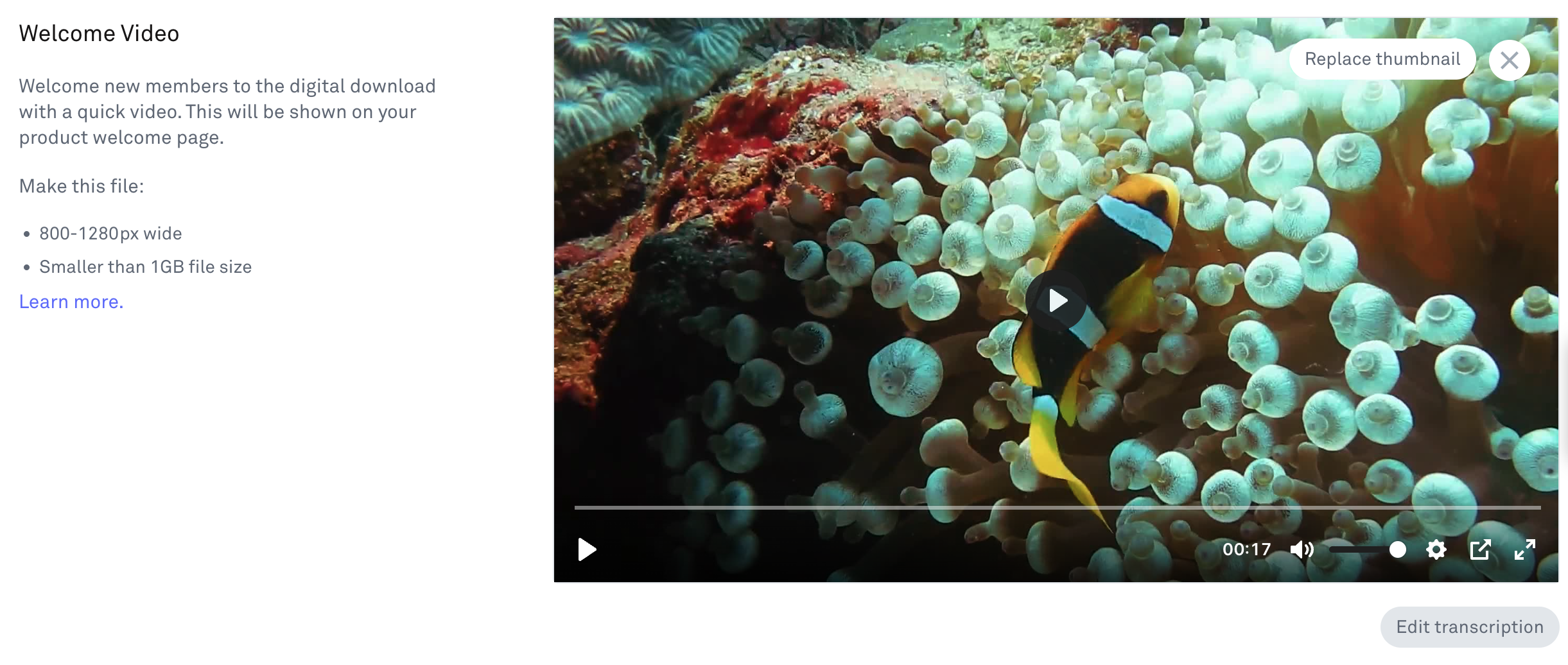
Any video you have added
The page content
The comments feed (if enabled)