Most membership sites focus heavily on content. More lessons, more resources, more value. And while content matters, it's rarely the main reason members stay.
Members stay because of how a membership makes them feel. Connected, supported, part of something. When that feeling is present, cancellation rarely crosses their mind. When it isn't, even the best content won't hold them.
Kourses has a full suite of community features built in, designed to create that feeling without requiring you to run a full-time community operation. Most features are simple toggles. The impact on retention, however, is anything but small.
Here's what's available and why it matters.
At the heart of the community experience are private community spaces, including a central feed where your members can post, ask questions, celebrate wins, and connect with each other.
Unlike Facebook Groups, there are no ads, algorithms, or distractions that pull your members elsewhere. Everything happens inside your platform, under your brand, with you in full control.
You can create multiple community spaces, each gated by membership tier. A beginner cohort, an advanced group, a VIP circle. Each one is relevant, focused and exclusive to the members who belong there.
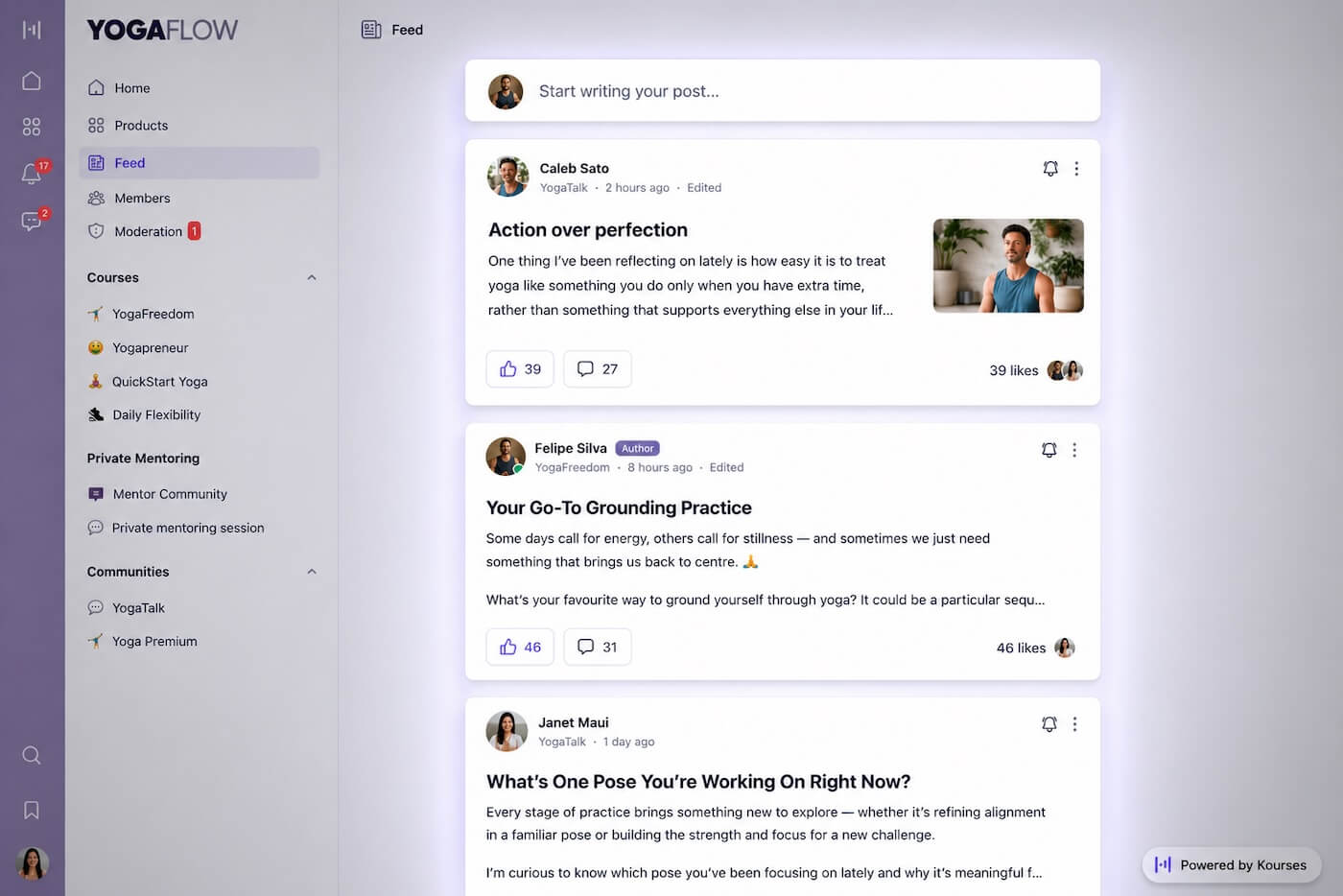
Members who have a space to belong to don't just consume your content. They invest in your community.
Here’s the exact steps to follow to set up your first community
When members have a profile, a name, a photo, and a brief bio, they stop being anonymous and start being people. That shift matters more than it sounds.
Members who feel visible in a community participate more, connect more and stay longer. Member profiles give them the space to introduce themselves and be discoverable by others.
They can share their story and showcase their social accounts and website.
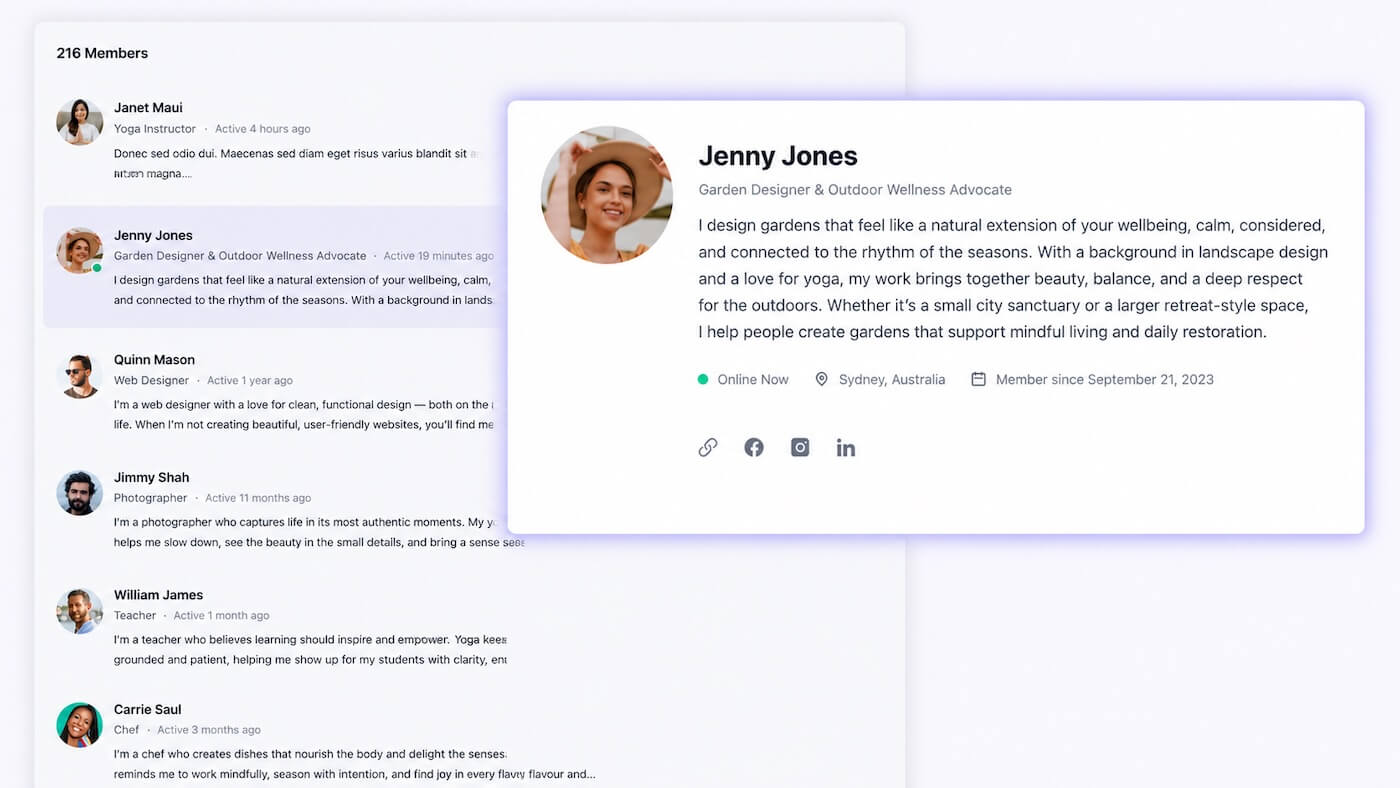
Member Profiles are activated by default in the platform, and you should encourage your members to complete theirs.
How to set up Member Profiles in Kourses
Members can message each other privately in Kourses and message you and your team directly, too. No hunting for email addresses, no sliding into social DMs, no conversations happening on platforms you don't own.
Every message stays inside your world. That means faster support, more personal connections and a community that feels genuinely responsive.
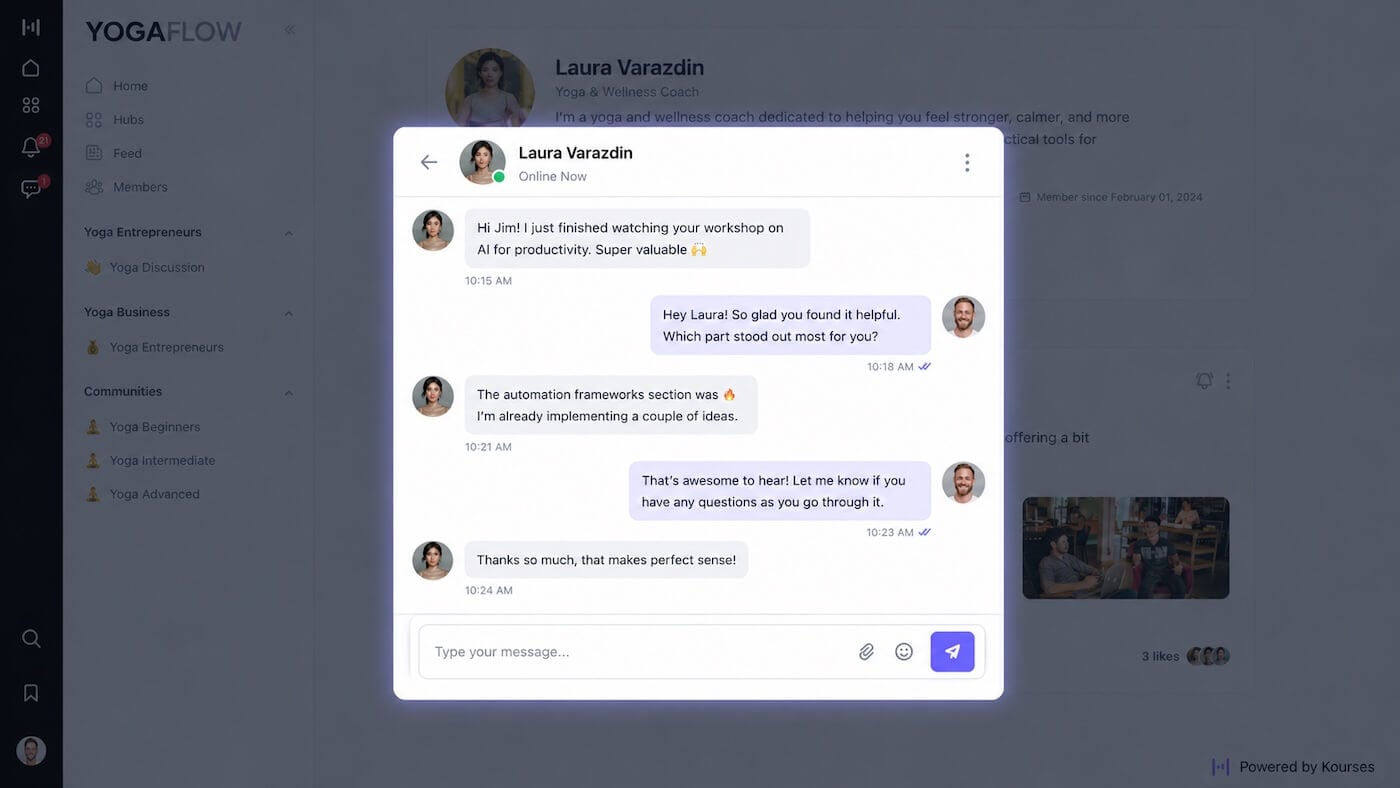
You control whether members can message each other or whether messaging is restricted to admins only. The choice is yours.
How to set up Member Messaging in Kourses
A searchable member directory lets your members find and connect with each other based on their profiles. For communities built around professional development, coaching or peer support, this is a surprisingly powerful feature.
Members who connect with others in your community are significantly less likely to cancel. The community itself becomes a reason to stay, independent of your content alone.
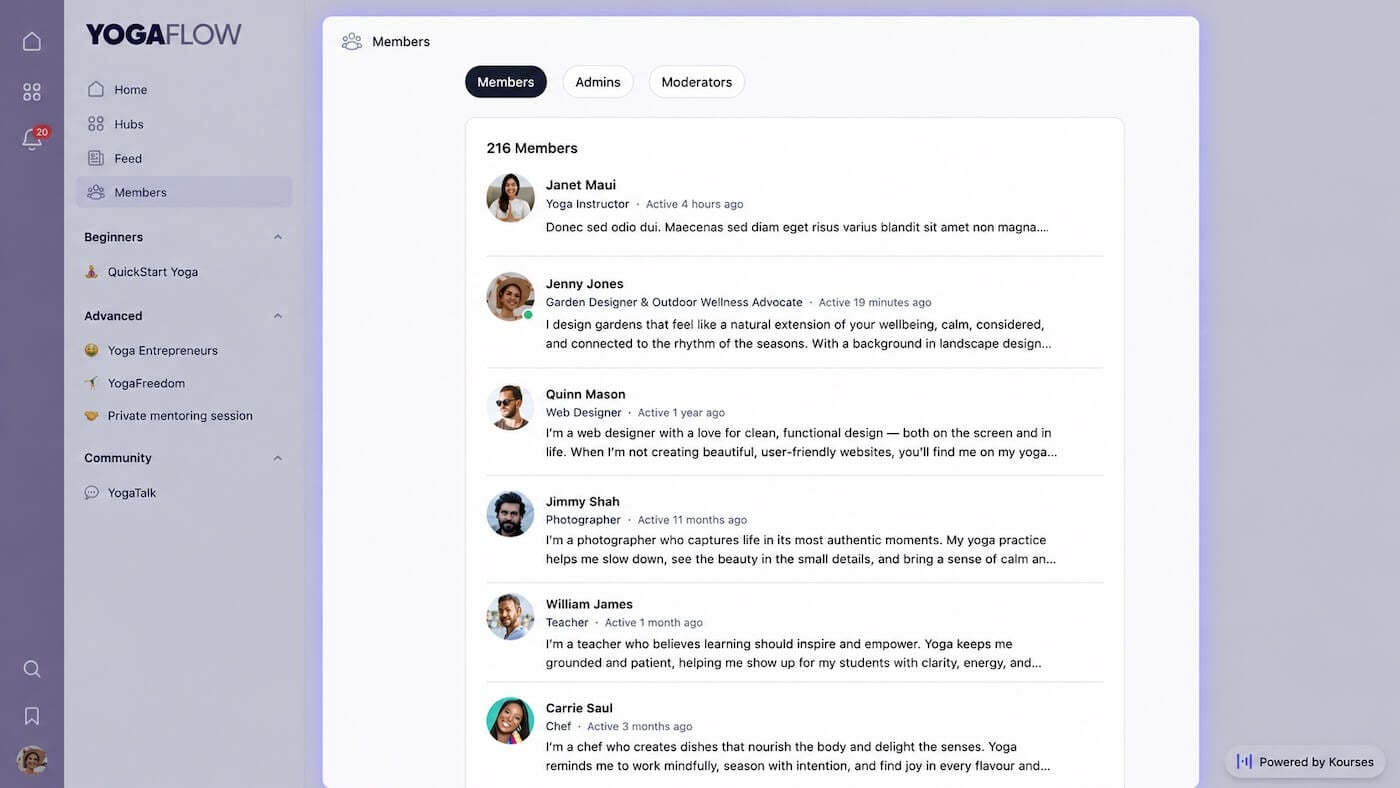
Another simple toggle will activate the Member Directory in your community. For simple instructions on how to setup the Member Directory, see our Member Profiles guide, which covers both the Member Directory and Member Profile features.
Broadcasts let you send a single message to all your members or to a specific membership tier directly in their Kourses inbox. No email platform required, no deliverability concerns.
Use broadcasts to announce new content, share a timely tip, remind members about an upcoming call or simply check in. Members can reply directly, and the conversation continues as a private message.
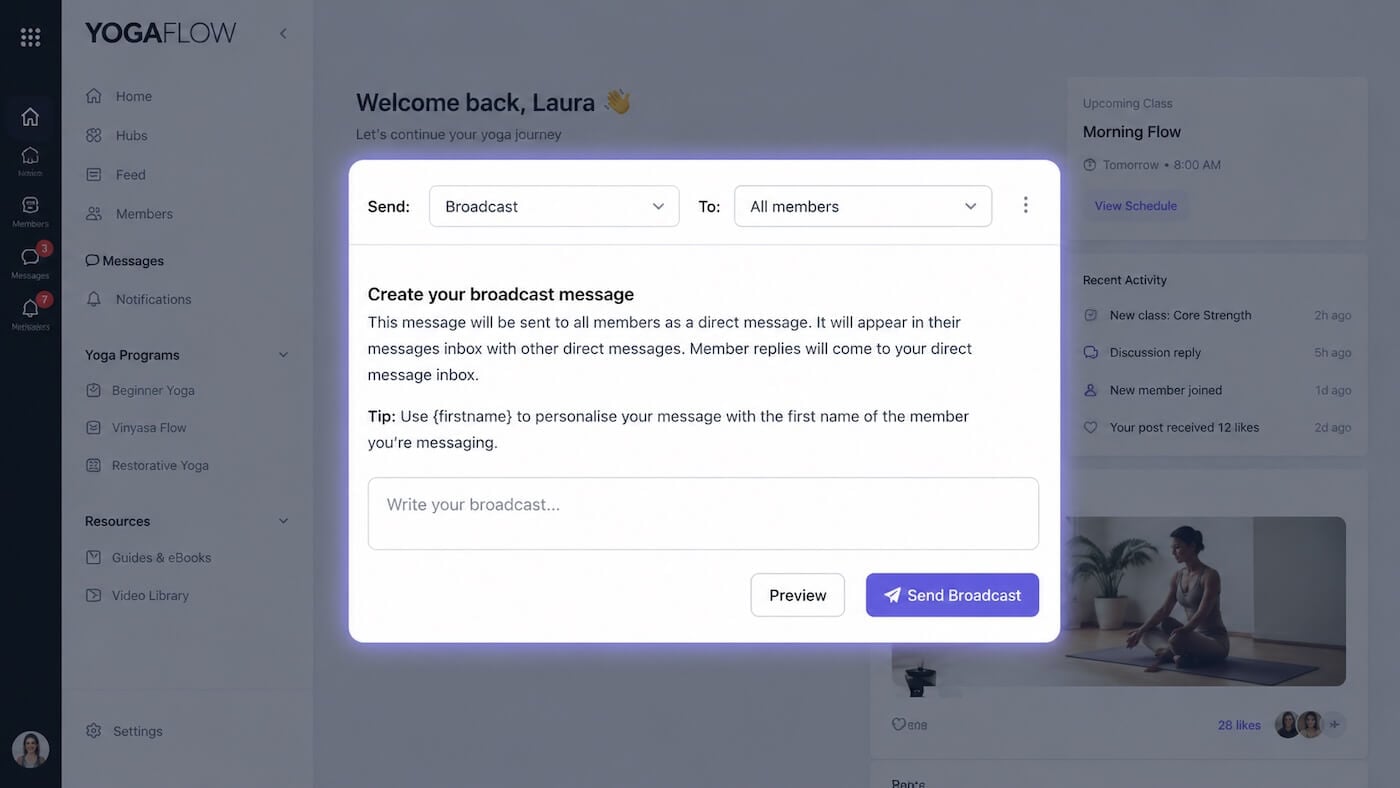
It's the simplest way to maintain a personal connection with your entire membership without it taking over your week.
How to setup Broadcast Messaging in Kourses
All community features are available in your Kourses account right now. Most are simple on/off toggles found under Website Settings in your admin dashboard.
The quickest wins to switch on first are Direct Messaging and the Member Directory, both take minutes to enable and immediately improve your members' experience.
If you haven't yet set up your community space, start there.
If you have any questions about setting up your community features, our team is available via live chat inside the platform.
Ready to put this into practice?
Log in to your Kourses account and start setting up today. If you have any questions our team is available via live chat inside the platform.
Not yet a Kourses member? Start your free 14-day trial