To access Celebration Effects, go to Website Settings > General Settings and scroll down to the Celebrations section.
Enable the master Enable Celebrations toggle to activate the feature across your platform. This must be on for any individual celebrations to fire.

Once the master toggle is on, you can enable or disable each trigger individually. The available triggers are:
Course completed
First post published
First comment left
Purchase completed
Toggle each one on or off depending on which milestones you want to celebrate.
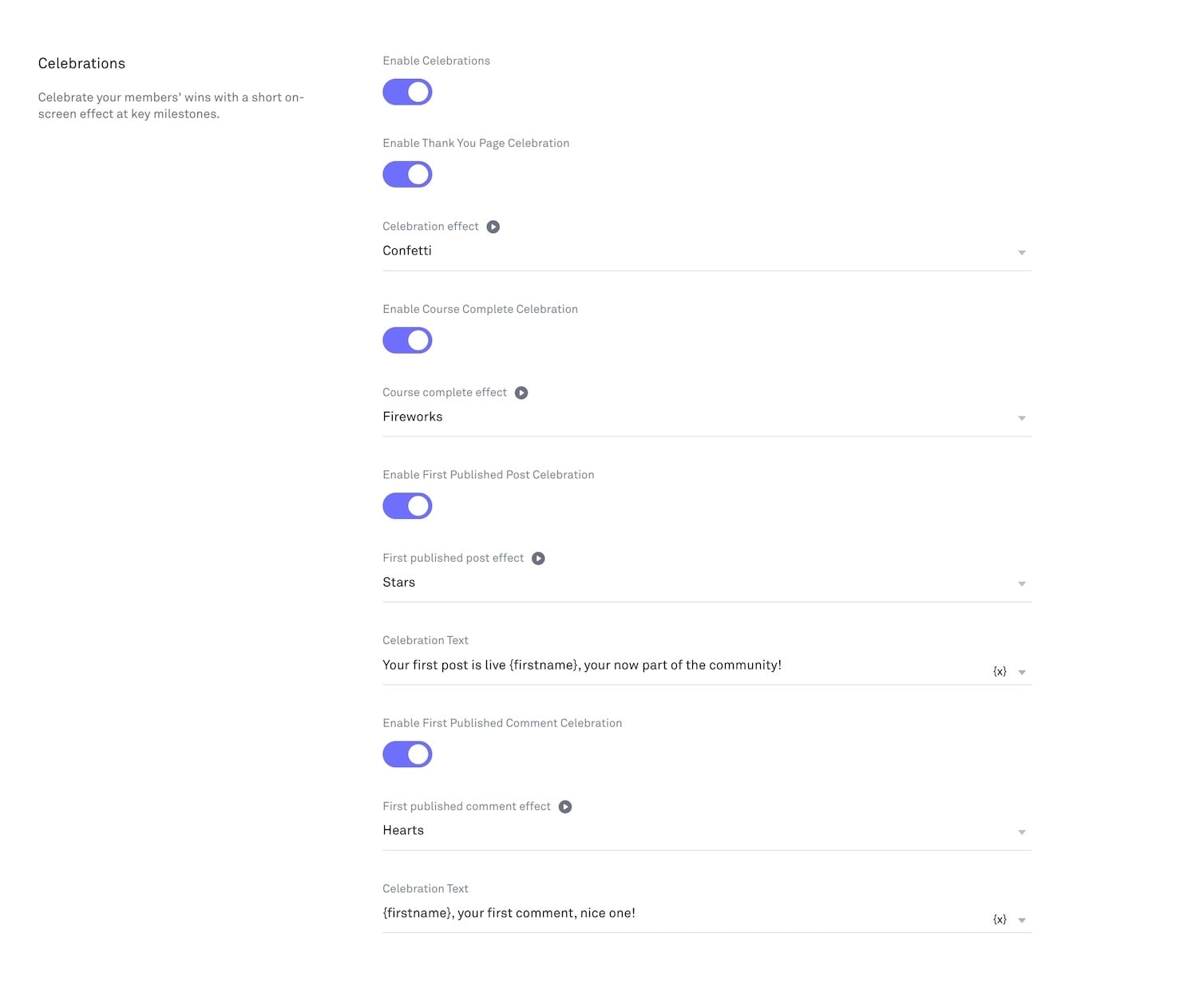
Each trigger has its own effect selector. Click the dropdown beneath the trigger toggle to choose which animation plays for that milestone. The available effects are:
Confetti
Fireworks
Hearts
Stars
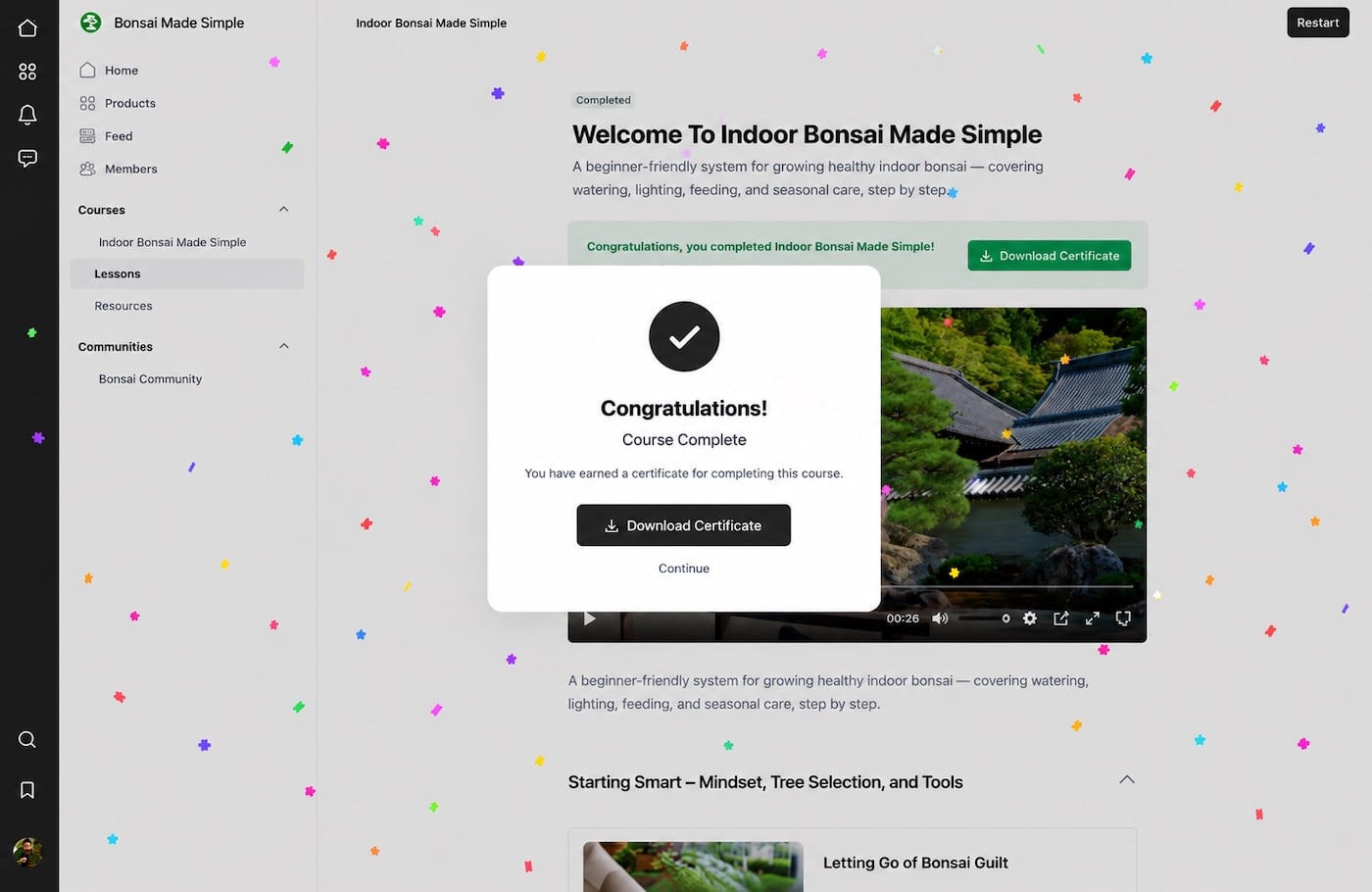
Each effect can be previewed.
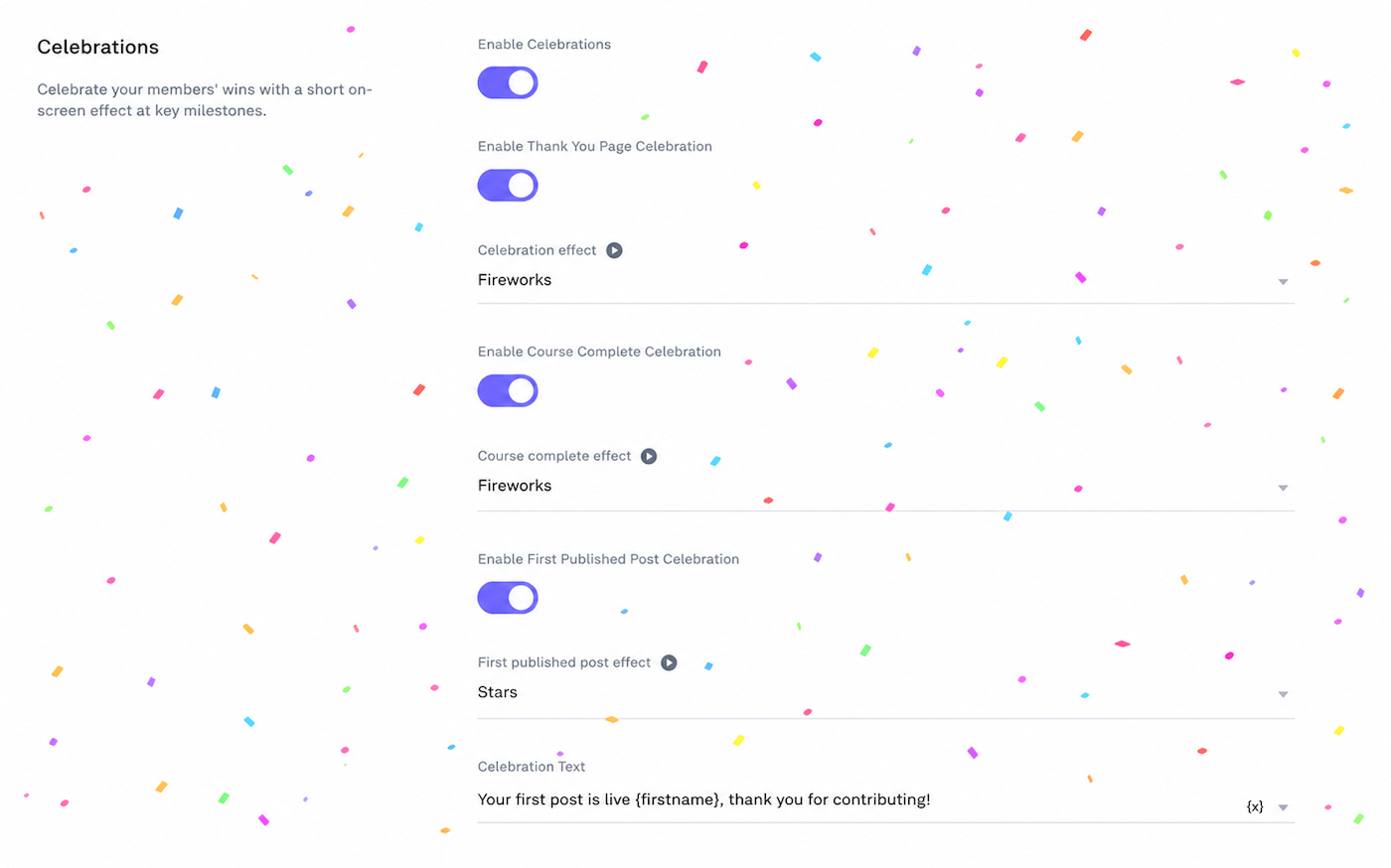
For community triggers (first post published and first comment left), you can customise the short message that appears alongside the celebration animation.
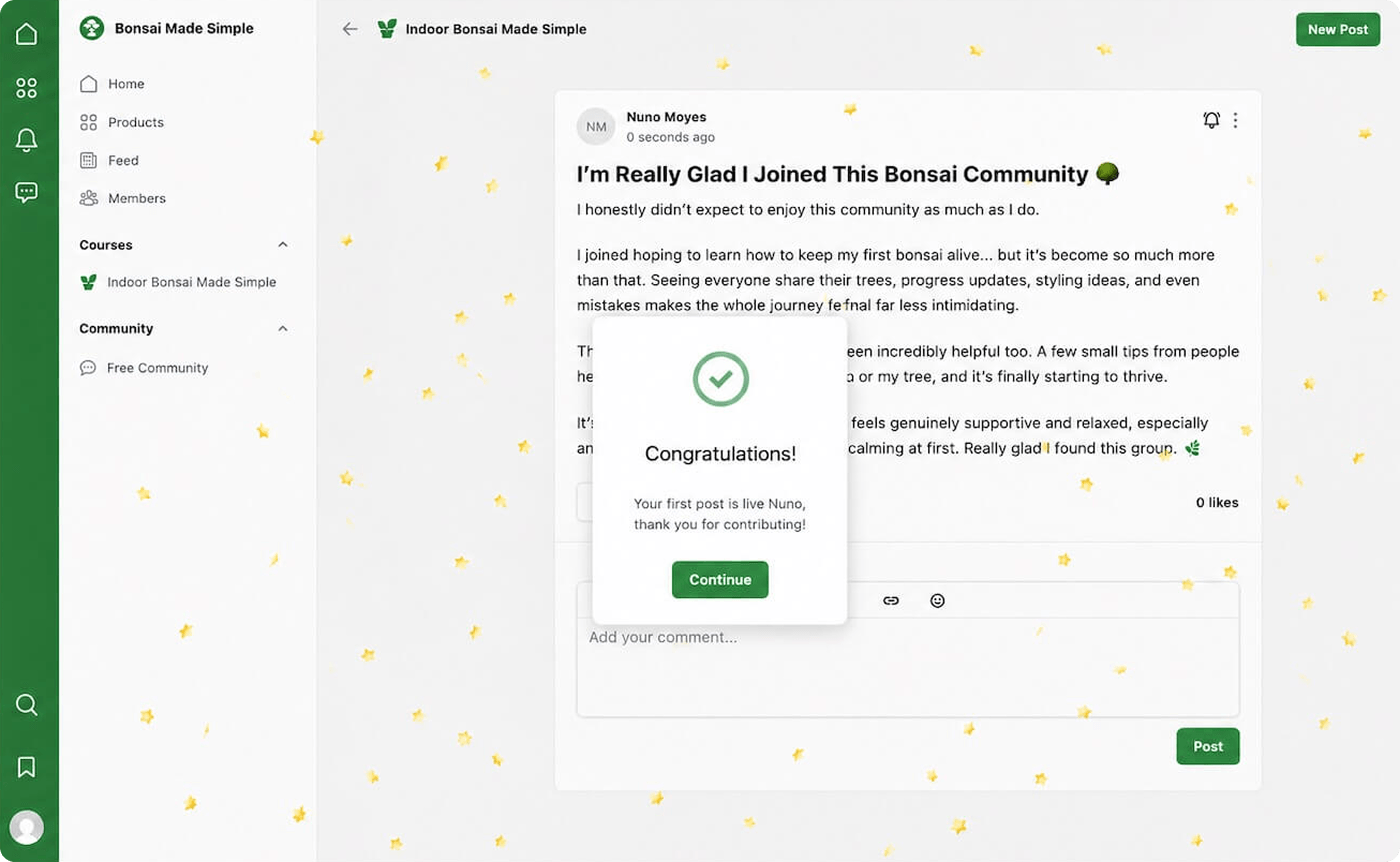
A default message is provided for each. To edit it, click into the message field beneath the effect selector and type your own message. Messages are limited to 80 characters.
You can personalise messages using the following variables:
{firstname} - displays the member's first name
Each celebration fires once per member, ever, except for courses completed, which fire once per course per member
Purchase completed fires on the thank you page after a successful checkout
Celebrations auto-dismiss after a few seconds and never play sound
If post moderation is enabled on your community, the first post celebration will not fire, as the post is not published directly to the community
If you have any questions about Celebration Effects, you can contact us use the chat widget here or by replying to any of our emails.